

Reference

bdt.222 App and Mobile Browser Access

bdt.222 runs live casino tables, slot rooms and sports markets — including cricket — through your mobile browser right now, with no download required to get started. Access depends on your device, browser compatibility, and local law in eligible regions.

mobile browser readyaccount wallet accessavailability checkdevice compatiblecricket markets
bdt.222 bdt.222 App and Mobile Browser Access
APP FEATURE SET

Four Things the Mobile Build Gets Right

The bdt.222 mobile experience is built around speed and account control — here is what that looks like in practice across four areas that matter most on a phone.

Fingerprint Login Skip the password on return visits. Your device biometric unlocks the account in one tap, keeping the session secure without slowing you down.
Push Notifications Get an alert when a live table round is opening or when your withdrawal clears to your Nagad or Rocket wallet — no need to keep the tab open.
Quick Deposit Tap the wallet icon from inside any game screen to send via bKash or Nagad without closing the round. The balance updates before the next hand.
Dark Mode Display The lobby switches to a dark layout automatically at night, reducing glare on your screen and making table text easier to read in low light.
bdt.222 Mobile Access in 3 Steps

Mobile Access in 3 Steps

Getting into the bdt.222 lobby on your phone does not require an APK file or an app store visit. The mobile site is the access point, and it works on current Android and iOS browsers. Open your browser, load the current bdt.222 address, and the layout shifts automatically to fit your screen. Sign in with your account credentials or use fingerprint login

if you have set it up. If you want the lobby one tap away, use your browser's 'Add to Home Screen' option — it places a shortcut on your home screen that opens directly to the lobby without the address bar. No file download, no storage permission needed.

  • Open the current site — Type the bdt.222 address into Chrome or Safari on your phone. The mobile layout loads automatically — no separate URL needed.
  • Check browser compatibility — The lobby runs on current versions of Chrome for Android and Safari for iOS. If a feature does not load, try updating your browser first.
  • Add to home screen — Use your browser menu to add a shortcut to your home screen. It opens straight to the lobby, behaving like an installed app without the download.
  • Sign in securely — Log in with your account details or enable fingerprint login in account settings for faster access on every return visit.
bdt.222 Inside the bdt.222 Mobile Experience

Inside the bdt.222 Mobile Experience

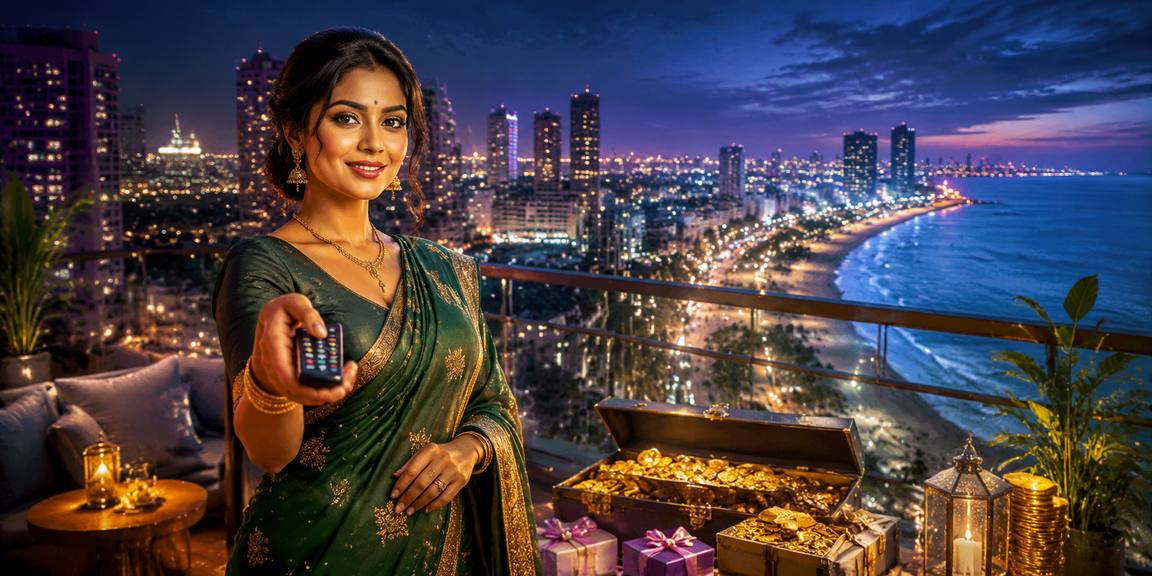
Open bdt.222 on your phone and the full lobby loads — live baccarat from Evolution, crash rounds, Teen Patti SuperSpin, and the sportsbook with BPL and international cricket markets all in one place. The mobile build keeps your account wallet front and centre so your bKash or Nagad balance is visible before you pick a table. Push notifications flag when a live

round is about to open. Quick deposit lets you top up without leaving the game screen, and fingerprint login means you skip the password every time you return. Players in Dhaka reach the lobby in seconds on a standard 4G connection.

DEVICE CHECKLIST

What Devices Work with bdt.222

Before you settle in for a live table session, it is worth confirming your setup matches what the mobile lobby expects. Here is what to check.

Method Payout time Speed
Browser version Chrome 110 or later on Android and Safari 16 or later on iOS cover the full feature set. Older versions may load the lobby but skip push notifications. Fast
Screen layout The lobby is optimised for screens from 5 inches upward. Tablet layouts are supported and give a wider table view for live baccarat and roulette. Fast
Account requirements You need a verified bdt.222 account to access real-money tables and the sportsbook. Account verification is done once through the account settings page. Medium
Connection quality Live table streams need a stable connection. A 4G or Wi-Fi signal works well; a weak 3G signal may cause the video feed to buffer during a live round. Medium
Supported regions Access to real-money play depends on your local law and eligible region. Check the terms page to confirm availability where you are located. Slow

Common Questions About the bdt.222 App

Here are the questions we hear most from people setting up mobile access for the first time.

A native app listing is not currently confirmed. The mobile browser version covers the full lobby — live tables, slots, sportsbook — without a download.

Open the site in Chrome or Safari, tap the browser menu, and choose 'Add to Home Screen'. The shortcut opens directly to the lobby on every tap.

Yes. Enable it once in your account settings and your device biometric handles login from that point. It works on both Android fingerprint sensors and Face ID on iOS.

Push notifications are available once you allow them in your browser settings. You will get an alert when a withdrawal processes to your Nagad or Rocket wallet.

Switch to a stronger Wi-Fi or 4G connection first. If buffering continues, close other browser tabs and reload the table page to reset the stream.

Yes. Tap the wallet icon visible during any session to open the quick deposit panel. Complete the bKash transfer and your balance updates before the next round.
Reference

bdt.222 App

Service availability depends on eligible regions and local law. Users should check local rules before opening an account.

Access may be available only where local law permits.